
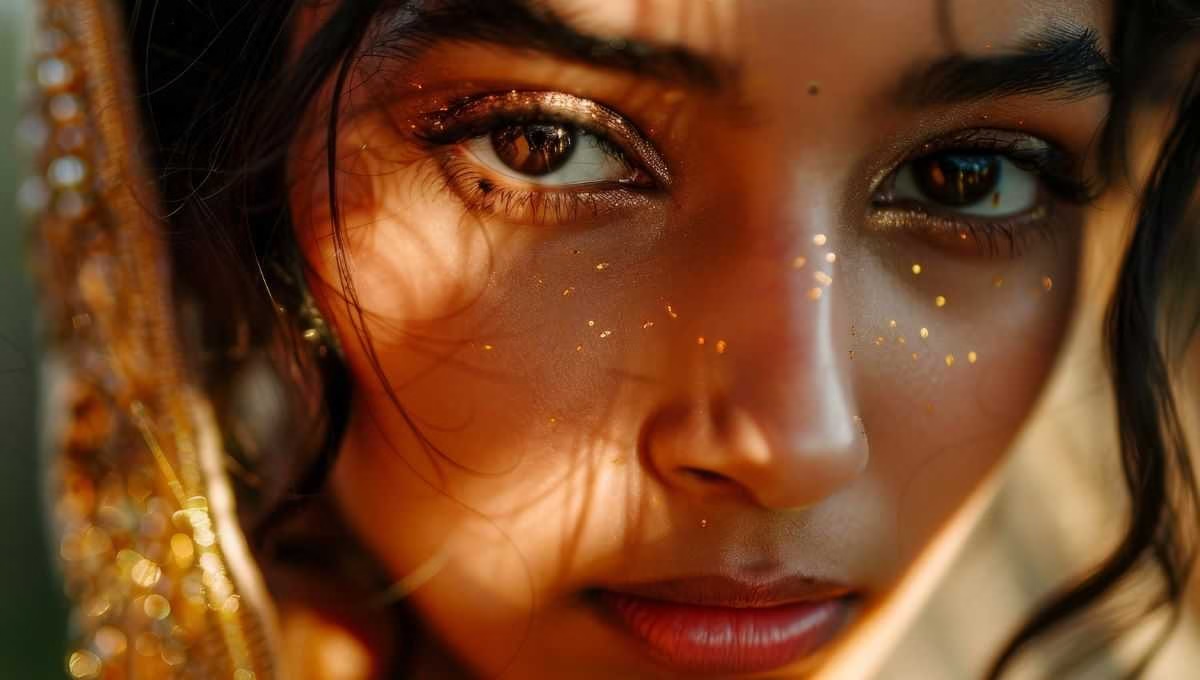
Gemini AI Photo Editing Prompts: Photo editing is no longer a complicated task of manually tweaking curves or sliders with tools like Gemini AI. You can write simple words to give your photos a look that used to be considered professional. The lighting is a little off, the colors seem flat, and the skin texture is a little lost; these are all now easily fixed. But remember one thing: you can’t just say “make it look good,” because the AI might not read your mind. That’s what we’ll discuss in this guide — how to write good prompts, avoid any mistakes, and get some useful examples for beginners.
What is Gemini AI, and why should you use it?
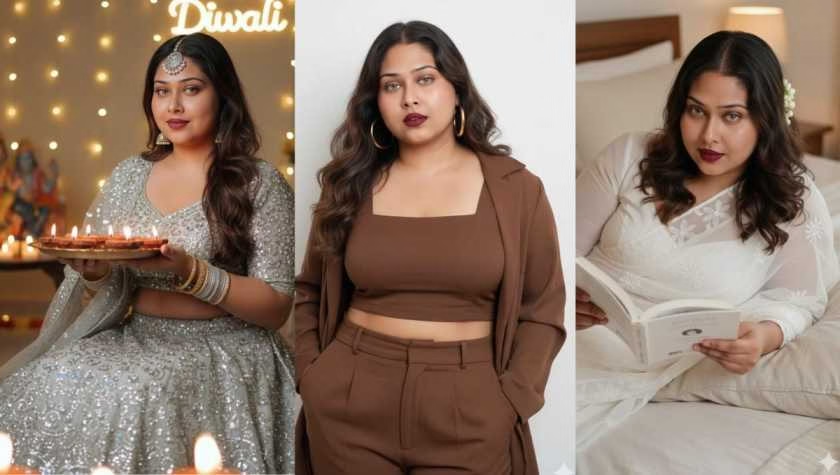
Gemini AI is Google’s artificial intelligence with image generation and editing capabilities. It’s simple: you upload a photo, then write “make this photo look like this” — and the AI will show you the altered look.
This type of editing is gaining momentum in November 2025 because:
- You can get results in a lot less time.
- Tools that used to require learning curves, sliders, layers, etc., are now much easier.
- You can be creative, even without any coding or advanced skills.
What to write to write a good prompt?
To get good results, it’s not just about writing — what to write is the most important thing. Here are some key points to keep in mind every time:
Use specific language
Like “soft glow”, “natural skin texture”, “warm daylight” — these convey exactly what you want. Just saying “make it beautiful” won’t get the AI to understand.
Add mood, light, and texture
Light, skin or surface texture (texture), shadows or highlights (shadows/highlights), color tone (tone) — mentioning these in the image will improve the results.
Avoid excessive or excessive words and glamor
In many cases, words like “perfect skin”, “angel face,” etc., do not make the image look real. Instead, use “natural texture”, “balanced tone”, etc.
Start slowly for reading or learning
If the result is not right on the first try, don’t get discouraged — change the words a little, try again. AI-editing is not perfect all at once.
Useful example prompts for beginners
Below are some prompts that you can copy-paste directly or use with your image with minor changes.
“Warm natural portrait lighting, soft skin glow, gentle highlights, smooth tone, natural texture, balanced contrast, clean background blur”
“Soft daylight skin tone, fresh bright glow, natural facial texture, smooth under-eye finish, subtle warmth, soft depth and clarity”
“Golden hour portrait look, warm highlights, soft shadows, natural skin finish, gentle cinematic glow, light background haze”
If you want, you can transform these — for example: “Cool editorial glow, clean matte skin, high clarity eyes, soft contour, balanced shadows, crisp light” etc.
Read more:- 10 Fascinating Facts About Honey Bees
Common mistakes: and avoid them
Giving too general or vague prompts, such as “make it look good,” can lead to disappointing results.
Asking for too extreme glamour or extra effects — such as “plastic skin”, “super shiny face”, etc., can make the image look unnatural, if not natural.
If the result is not right, blame the software or tool — in fact, it is necessary to give a few unusual words or settings.
If the uploaded image is very bad (not enough light, many obstacles) then the AI’s work will be difficult. Working with good images gives better results.
A little further: What to think about Gemini AI’s new features
With Gemini AI, it is not only editing — it is also possible to change the style of the image, change the mood, erase or move the background, and even blend multiple images.
With commands like “Change the water to a clear turquoise” or “Replace the cloudy sky with a fiery sunset”, the mood changes completely.
Gulf News
If you want, you can write according to your favorite style or color tone — such as “vintage grainy effect”, “cinematic high-contrast mood”, etc.
Nowadays, photo editing is not a scary or complicated matter — through Gemini AI you can easily and quickly change the image. But “easily” does not mean “uncontrollably”. With a little thought, specific language, and regular practice, you can give your images a look that was previously only the work of professionals or studios.
Hi readers. I’m Piyali Batabyal, a passionate blogger who loves to share her thoughts, ideas, and experiences across a variety of topics—from lifestyle and beauty to personal growth and creativity. With a curious mind and a love for words.
Alongside my writing, I am also a professional makeup artist with a flair for enhancing natural beauty and creating transformative looks.